 Ripple
Know whensomeone walks by.
Ripple tells you when someone walks between your phone and your WiFi router. No camera, no sensor, no extra hardware: just the WiFi signal a body gets in the way of.
Drag the person through the line. The signal dips, and Ripple tells you.
Four steps,
no extra gear.
- 01 · Place
Lay the phone so the straight line to your router crosses a hallway, a doorway or the spot behind your desk, at about body height. Plug it in.
- 02 · Learn
Tap Start watching and keep out of the line for about 20 seconds while Ripple learns what the empty room looks like.
- 03 · Watch
A body weakens the WiFi signal. Ripple sees the drop at the next signal reading, usually within a few seconds, and buzzes.
- 04 · Alert
In another app a card slides up over it. With the phone locked, the alert lights the screen over the lock screen, like an alarm clock.
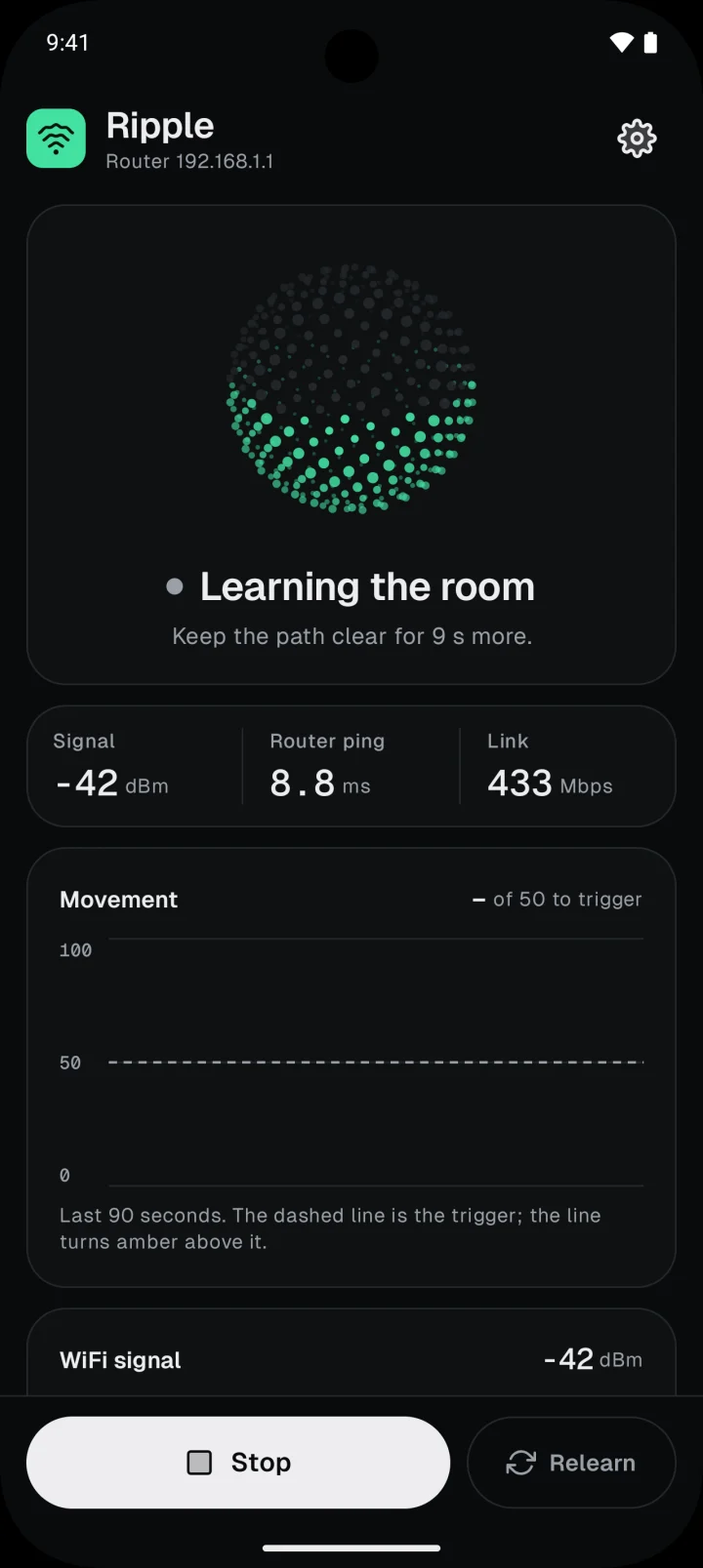
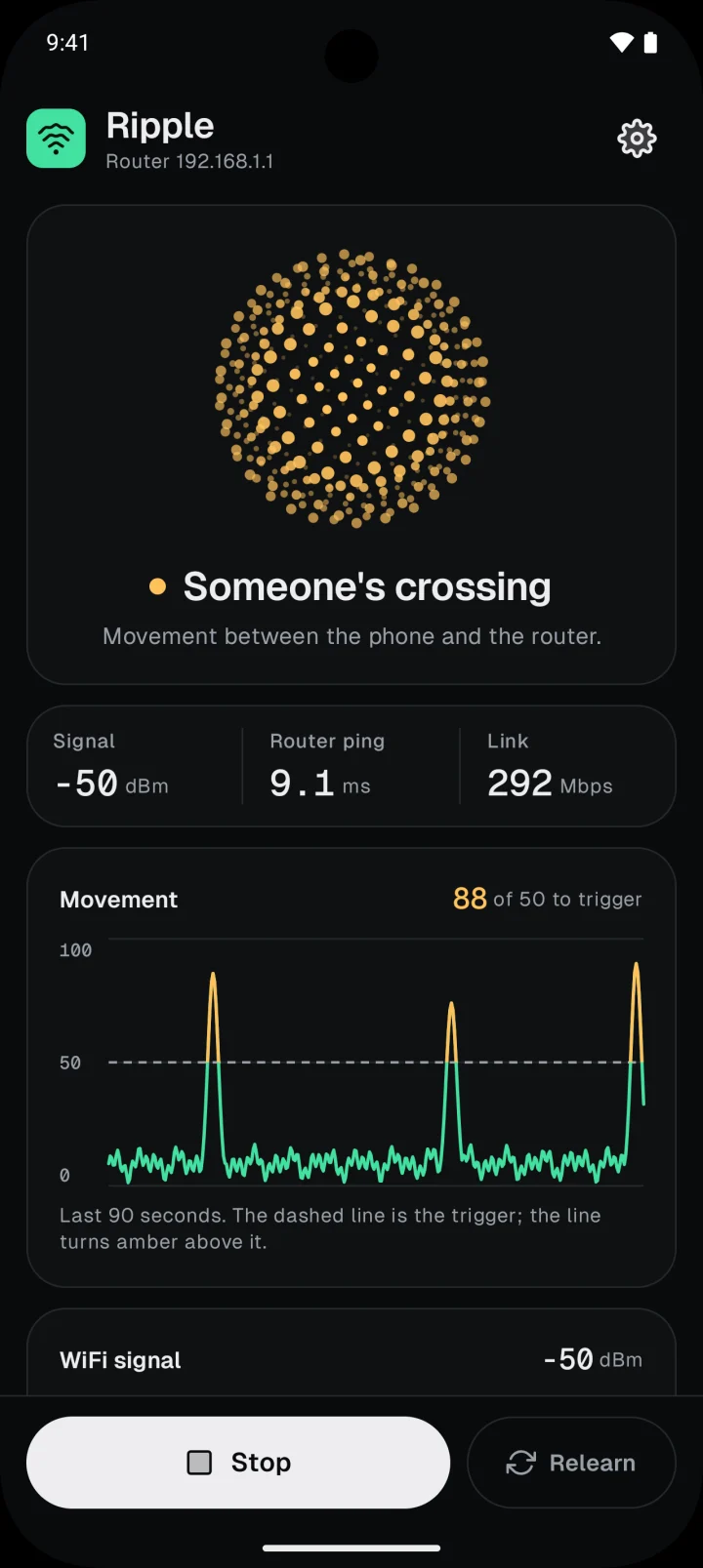
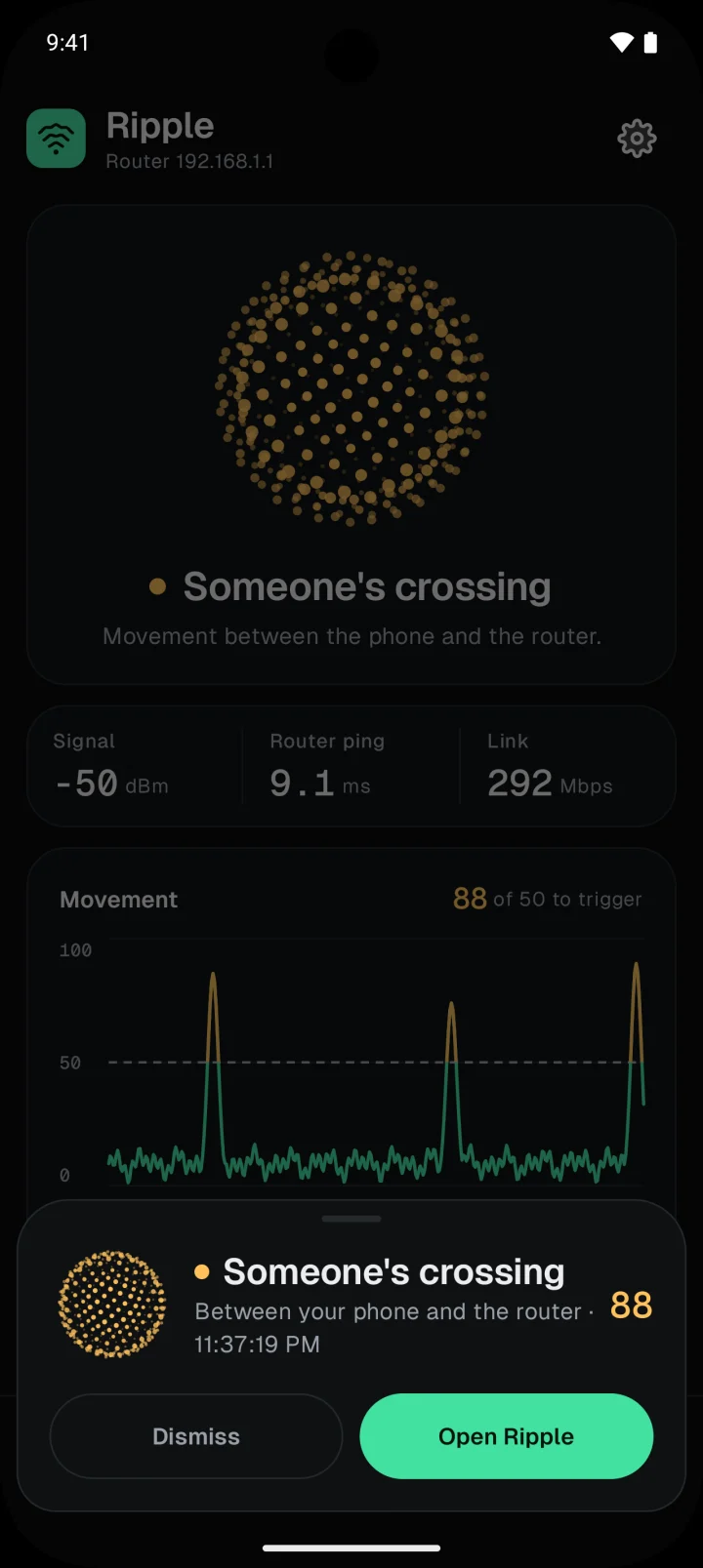
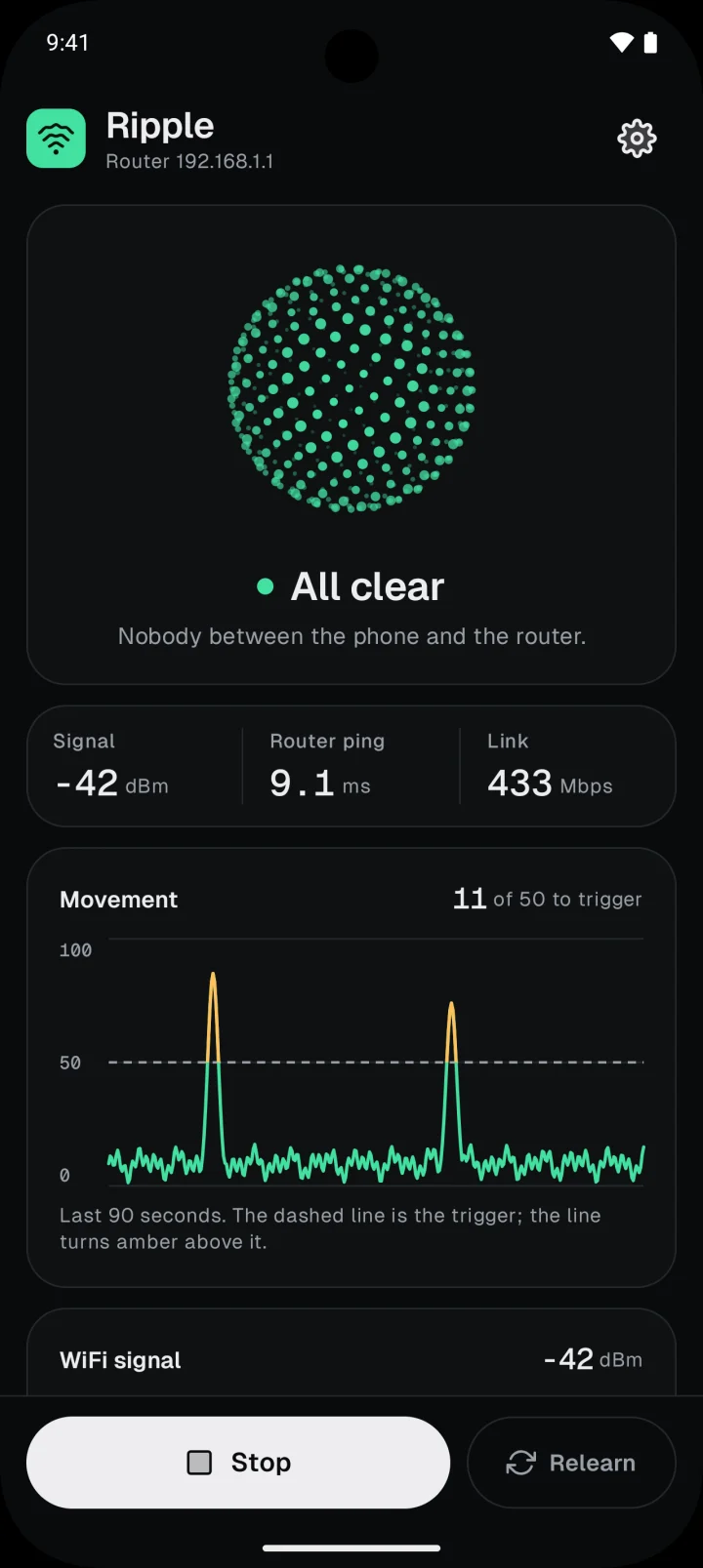
Ripple watches one line. Put it where people walk.
Across a walkway
Phone on one side of where people pass, router on the other. A hallway or a doorway works well.
At body height
On a shelf or a stand, not flat on the same counter as the router, so a person walking by really cuts the line.
In the same room
2 to 5 m apart. Walls and floors weaken the signal, and the effect with it.
Nothing leaves your phone.
- No account
- No ads
- No analytics
- No location
- No camera or microphone
- Talks only to your router
- Questions, answered
- No. Ripple uses your phone's own WiFi connection to your router. No camera, no sensor, no hub.
- Usually within a few seconds. Android refreshes the WiFi signal reading every 3 seconds, so a very quick pass can fall between two readings.
- No, one line: the one from the phone to the router. It works best in the same room, 2 to 5 m apart, with the line at body height across where people walk.
- Much less well. Android stops refreshing the WiFi signal while the screen is off, so Ripple keeps the screen on, dimmed, while it watches. Keep the phone plugged in.
- If you are in the line, yes. Put the phone beside you rather than in front, so the line runs behind your back.
- No. Ripple has no account, no ads and no analytics, and it never uses your location, camera or microphone. Its only traffic is pings to your own router.
- Android 10 or newer, connected to WiFi. iPhones can't read the WiFi signal, so there is no iPhone version.
- It is short, because there is little to say. Read it here.
No. Ripple uses your phone's own WiFi connection to your router. No camera, no sensor, no hub.
Set it down.
Ripple watches.
Free on Google Play, for Android 10 and newer. Keep the phone plugged in and the line clear while it learns the room.